

How to Download CP2102 Driver: Complete Guide for Windows, macOS, and Linux
Downloading the CP2102 driver sounds simple—until your computer refuses to recognize your board. Then frustration kicks in. Devices fail to connect. Ports don’t appear. Projects stall.
This guide removes that friction.
You’ll learn what the CP2102 driver is, how to identify your device, where to download the official driver, and how to install it safely on Windows, macOS, and Linux. Clear steps. No fluff. Built for engineers, makers, and everyday users alike.
As Silicon Labs states: “Reliable drivers are the foundation of stable USB communication.” That principle guides everything below.
What Is the CP2102 USB-to-UART Driver and Why It Matters
The CP2102 driver is the bridge between your hardware and your operating system. Without it, your USB-to-serial device is invisible.
What the CP2102 Chip Does in USB-to-Serial Communication
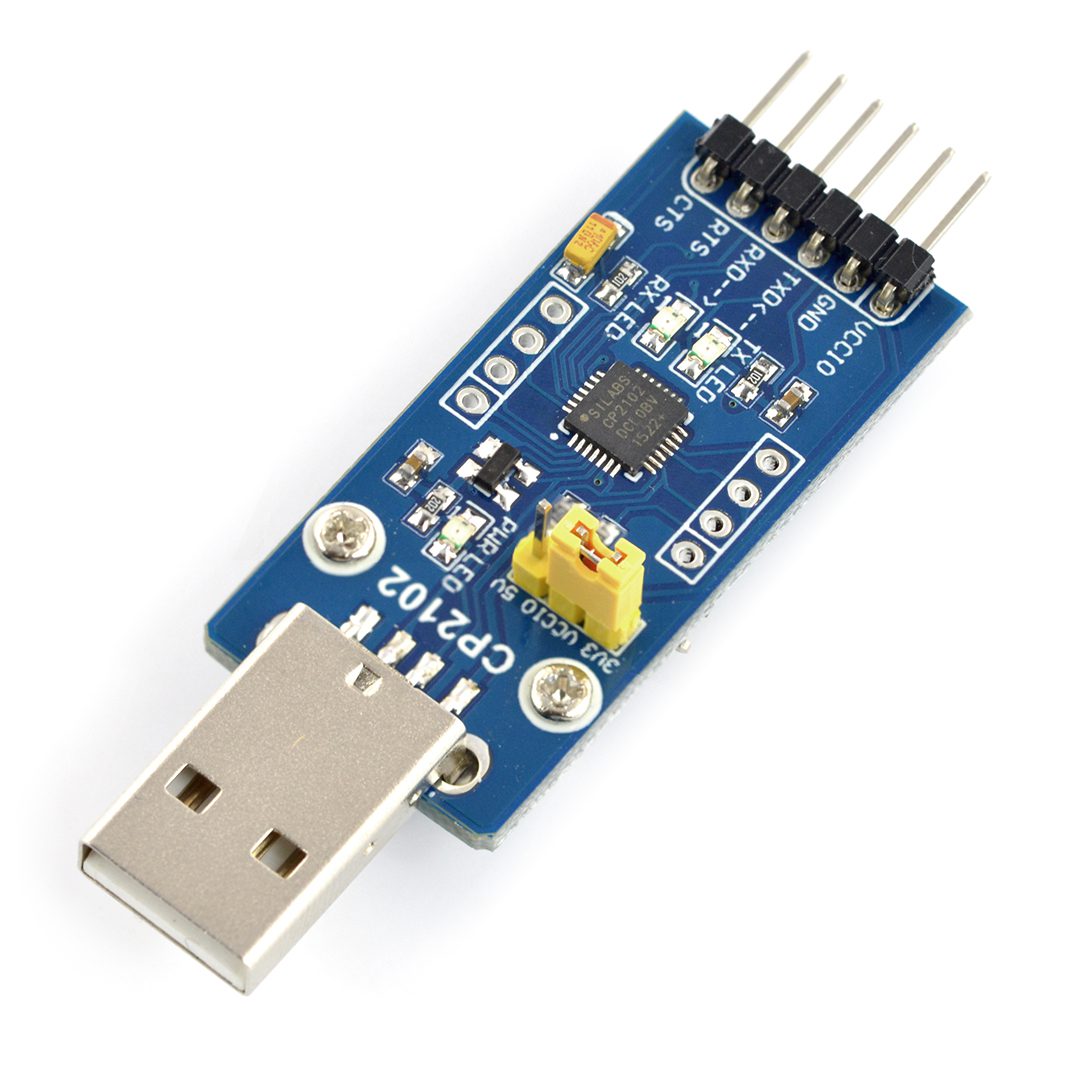
The CP2102 is a USB-to-UART bridge chip. It converts USB data from your computer into serial (UART) signals that microcontrollers understand—and back again.
In simple terms:
USB in. Serial out. Reliable every time.
This conversion enables programming, debugging, and monitoring of embedded systems through a virtual COM port.
Typical Devices That Use CP2102
You’ll find CP2102 chips in:
- Arduino-compatible boards
- ESP8266 and ESP32 development kits
- Embedded Linux boards
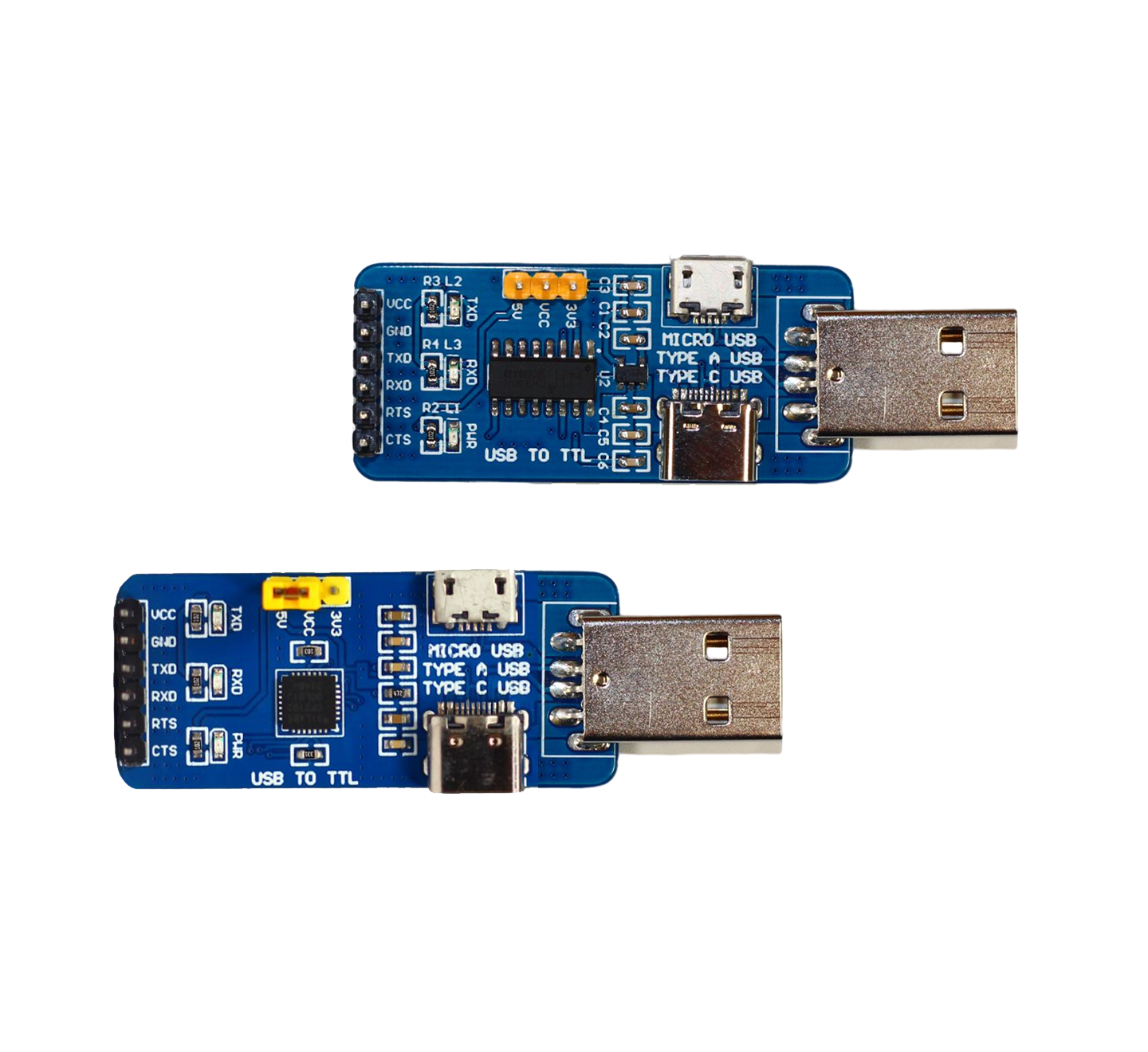
- USB-to-TTL adapters
If you’ve ever programmed an Arduino, chances are you’ve used one.
Who Needs the CP2102 Driver
- Embedded engineers flashing firmware
- Makers building prototypes
- IT teams configuring serial devices
- End users setting up routers or industrial tools
No driver. No communication.
How to Identify a CP2102 Device Before Downloading the Driver

Not all USB-to-serial chips are the same. Installing the wrong driver wastes time.
Checking USB VID/PID to Confirm CP2102
CP2102 devices use Silicon Labs’ Vendor ID (VID):
- VID: 10C4
- PID: EA60 (common for CP2102)
Matching these confirms authenticity.
Identifying CP2102 on Windows
Open Device Manager → look under Ports (COM & LPT) or Other devices.
You may see:
- “CP2102 USB to UART Bridge Controller”
- Or an “Unknown device” with VID 10C4
Identifying CP2102 on macOS
Go to System Information → USB.
Search for “CP2102” or “Silicon Labs”.
Identifying CP2102 on Linux
Run:
lsusb
Look for Silicon Labs CP2102 USB to UART Bridge.
Differentiating CP2102 from CH340 or FT232
| Chip | Manufacturer | Common Driver |
|---|---|---|
| CP2102 | Silicon Labs | CP210x |
| CH340 | WCH | CH34x |
| FT232 | FTDI | FTDI VCP |
Drivers are not interchangeable.
CP2102 vs CP210x Family Drivers
Good news: you don’t need a special driver just for CP2102.
Understanding the CP210x Unified Driver Package
Silicon Labs provides a CP210x VCP (Virtual COM Port) driver.
One package supports many chips.
CP2102 Compatibility Across the Family
The CP210x driver works with:
- CP2101
- CP2102
- CP2104
- CP2105
- CP2108
Install once. Use many.
Backward and Forward Compatibility
Newer drivers remain backward-compatible. Older drivers may fail on new operating systems. Always prefer the latest stable release.
Before You Download: Key Things to Know About CP2102 Drivers
Preparation prevents problems.

Supported Operating Systems
- Windows: 7, 8, 10, 11
- macOS: 10.13+ (Intel & Apple Silicon)
- Linux: Built into the kernel
Driver Version and OS Updates
Major OS updates can disable unsigned or outdated drivers. Reinstalling the latest version often fixes missing ports.
Genuine Chips vs Clones
Some low-cost boards use clone chips. Official CP210x drivers may fail with them. Genuine chips work flawlessly.
VCP vs USBXpress Drivers
| Driver Type | Use Case |
|---|---|
| VCP | Standard serial port communication |
| USBXpress | Custom software integration |
Most users need VCP.
Official CP2102 Driver Download Sources
Trust matters when drivers touch your system kernel.
Downloading from Silicon Labs (Recommended)
Always download from Silicon Labs. Their drivers are:
- Signed
- Tested
- Secure
Why Third-Party Sites Should Be Avoided
Third-party driver sites often bundle:
- Adware
- Outdated versions
- Malware
One shortcut can cost hours of cleanup.
Verifying Driver Authenticity
- Check digital signatures (Windows)
- Confirm package name includes “Silicon Labs”
- Compare file hashes if provided
Offline Installer Availability
Silicon Labs offers offline installers, ideal for factories or air-gapped systems.
Direct CP2102 Driver Download Options (By OS)

Windows CP2102 Driver
- Format: EXE or ZIP
- Includes driver signing
- Supports Windows 10 & 11
macOS CP2102 Driver
- Format: PKG installer
- Requires system extension approval
- Supports Intel and Apple Silicon
Linux CP2102 Driver
No download needed.
The cp210x driver is built into the Linux kernel.
Source code is available for custom kernels.
How to Download and Install CP2102 Driver on Windows
This is where most issues occur—and where clarity matters most.
Step-by-Step Installation (Windows 10 & 11)
- Download the CP210x Windows driver
- Extract ZIP (if applicable)
- Run CP210xVCPInstaller.exe
- Accept license
- Complete installation
- Reboot (recommended)
Your device should now appear as a COM port.
Handling Signature and SmartScreen Warnings
- Click More info → Run anyway
- Ensure the publisher is Silicon Labs
Unsigned warnings usually indicate an outdated OS.
Silent and Offline Installation
For enterprise deployment:
CP210xVCPInstaller.exe /quiet
Perfect for imaging and production lines.
How to Install CP2102 Driver on macOS and Linux
macOS Installation Steps
- Install the PKG file
- Open System Settings → Privacy & Security
- Allow Silicon Labs system extension
- Reboot
Your device appears as:
/dev/tty.SLAB_USBtoUART
Linux: Nothing to Install
Most distributions load the driver automatically.
Check with:
dmesg | grep cp210x
If needed:
sudo modprobe cp210x
Final Thoughts: Reliable Drivers Build Reliable Systems
The CP2102 driver is small. Its impact is huge.
Correct driver. Correct source. Correct installation.
Do it right once—and every project that follows runs smoother.
As the old engineering proverb goes:
“The simplest link is often the strongest—until it breaks.”
Now you know how to keep yours solid.
