

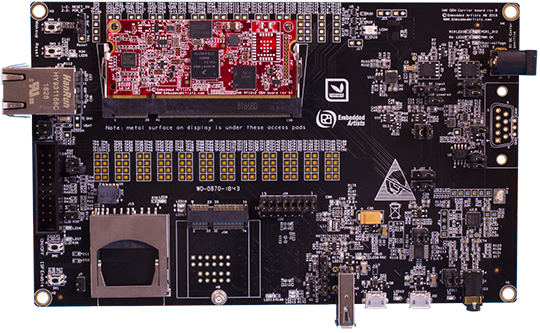
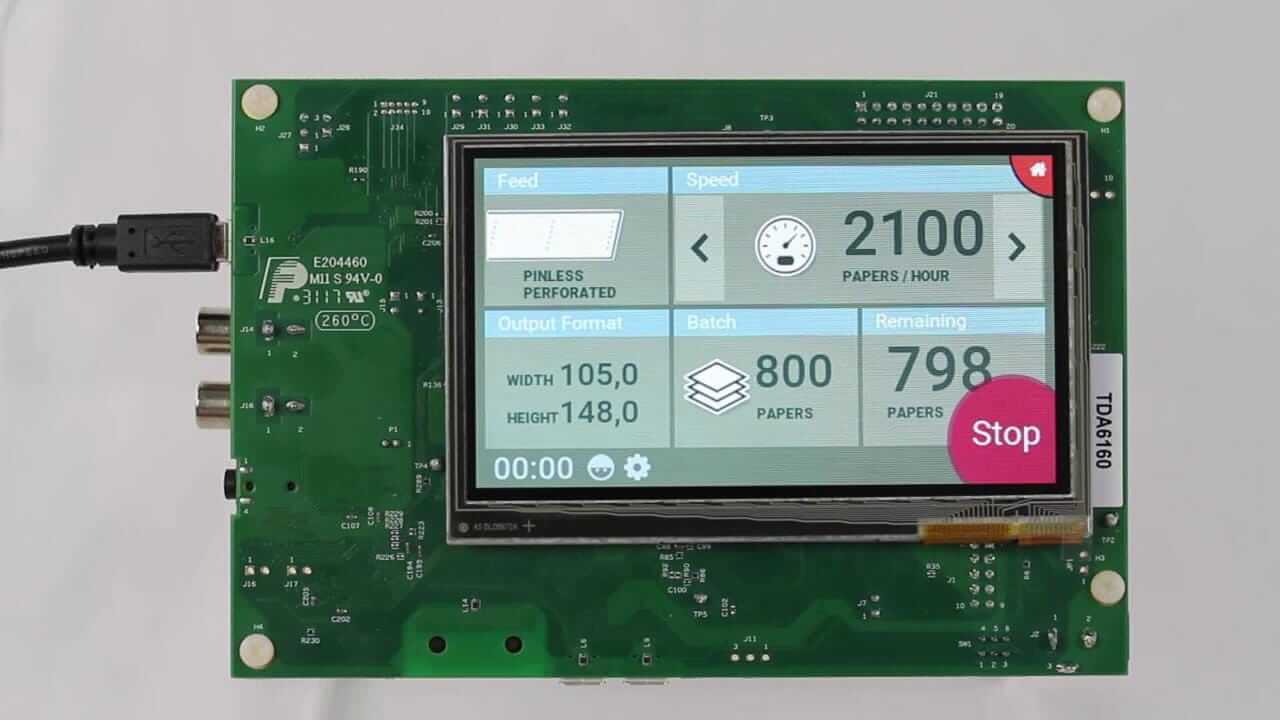
i.MX RT1062 Edge AI and HMI Integrated Development Guide
Edge intelligence is moving closer to users. Screens are getting richer. Latency tolerance is shrinking. Power budgets remain tight. In this tension-filled space, the i.MX RT1062 stands out as a crossover MCU designed to handle Edge AI and advanced HMI on the same real-time platform.
As the proverb attributed to Peter Drucker reminds us: “The best way to predict the future is to create it.” For embedded designers, that future means local intelligence + responsive interfaces, without Linux complexity.
This guide explains how and why i.MX RT1062 works for Edge AI + HMI, what its limits are, and how to design robust systems around it—at a 7th-grade reading level, but with expert depth.
Overview of i.MX RT1062 for Edge AI and HMI
The i.MX RT1062, from NXP Semiconductors, is not a traditional MCU—and not an MPU either. It sits in between.
Why this matters
Edge AI and modern HMI demand:
- Fast math
- Predictable timing
- Smooth graphics
- Low boot latency
Classic MCUs fall short on performance. MPUs add cost, power draw, and Linux complexity. The RT1062 bridges that gap.
Typical system architecture
A single RT1062 can:
- Capture sensor or audio data
- Run AI inference locally
- Render a touchscreen UI
- Respond in real time
No OS boot delay. No GPU driver chaos. Just deterministic control with visual intelligence.
Core Architecture and Performance Characteristics
At the heart of RT1062 is a 600 MHz Arm Cortex-M7. That clock speed alone changes expectations.
Why Cortex-M7 matters
- Deterministic execution for control and UI
- Single-cycle MAC instructions for DSP
- Floating-point unit (FPU) for math-heavy code
Short sentence. Big impact.
What it does well
- Audio preprocessing
- Sensor fusion
- Small neural networks
- Real-time UI updates
What it cannot replace
There is no NPU. No out-of-order execution. Large CNNs and vision pipelines remain out of reach.
This is not a flaw. It is a design boundary.
Memory Architecture and Expansion Strategies
Memory defines success—or failure—on Edge AI MCUs.
On-chip memory layout
- TCM (ITCM/DTCM): zero wait state, ultra-fast
- OCRAM: shared system RAM
- FlexSPI XIP Flash: execute-in-place UI assets
Best practices
- Put AI kernels in TCM
- Place frame buffers in external SDRAM
- Keep ISR paths SRAM-local
External memory is not optional
For real HMI:
- RGB displays need large frame buffers
- AI models exceed internal SRAM
Design with SDRAM or PSRAM from day one.
| Memory Type | Best Use Case |
|---|---|
| ITCM/DTCM | AI kernels, DSP loops |
| OCRAM | RTOS heaps, stacks |
| SDRAM | UI frame buffers |
| QSPI Flash | Fonts, images, firmware |
Edge AI Capabilities and Limitations
Edge AI on MCUs follows a different philosophy.
What “AI on MCU” really means
- Small models
- Quantized math
- Predictable latency
Forget cloud-scale networks.
Supported toolchains
- CMSIS-NN
- Optimized DSP libraries
- Fixed-point INT8 inference
INT8 vs FP32
| Metric | INT8 | FP32 |
|---|---|---|
| Speed | Fast | Slower |
| Memory | Small | Large |
| Accuracy | Slight loss | Higher |
On RT1062, INT8 wins almost every time.
Typical use cases
- Keyword spotting
- Gesture detection
- Predictive maintenance
- Anomaly detection
This is decision intelligence, not deep vision.
AI Model Deployment Workflow
A clean workflow saves months.
Step-by-step process
- Train model on PC
- Convert to TensorFlow Lite
- Quantize to INT8
- Compile with CMSIS-NN
- Benchmark on target
Key optimization tactics
- Prune unused layers
- Reduce tensor sizes
- Reuse buffers aggressively
Field updates
RT1062 supports:
- Secure firmware updates
- Model replacement via OTA
- Long-term product tuning
As the old engineering saying goes: “If you can’t measure it, you can’t improve it.”
Benchmark early. Always.
HMI Development and Graphics Performance
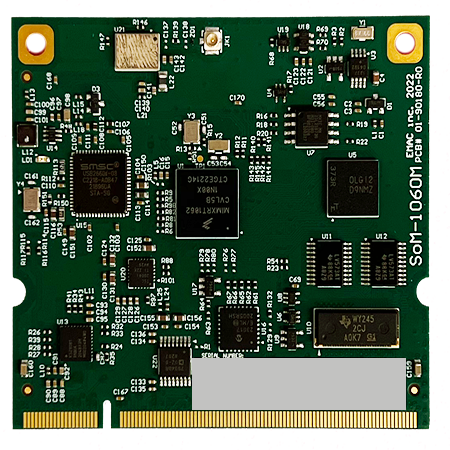

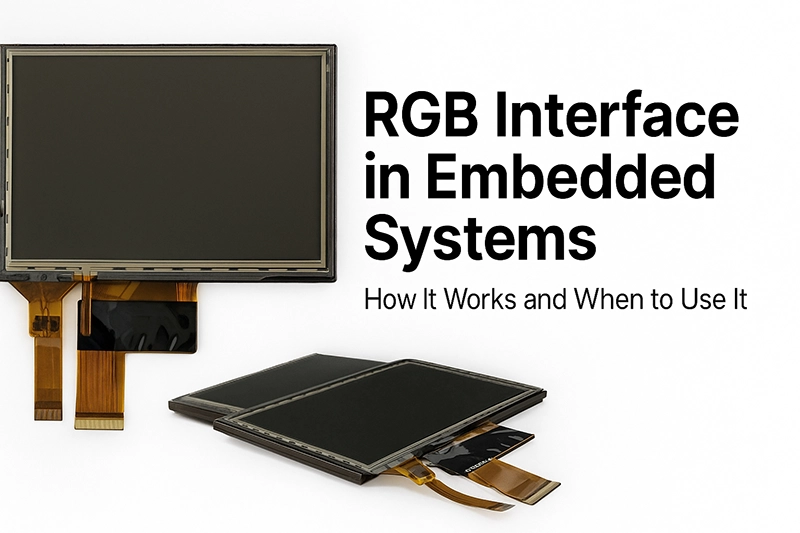

HMI is where users judge your product.
Display support
- RGB parallel LCD
- Capacitive touch controllers
- Medium-resolution panels (480×272 to 800×480)
Graphics acceleration
RT1062 includes Chrom-ART (DMA2D):
- Fast fills
- Alpha blending
- Pixel format conversion
Frame buffer strategy
- Use double buffering
- Avoid tearing
- Keep UI smooth during AI tasks
Hard truth
No GPU. No OpenGL.
UI design must stay efficient and disciplined.
Integrated Edge AI + HMI System Design
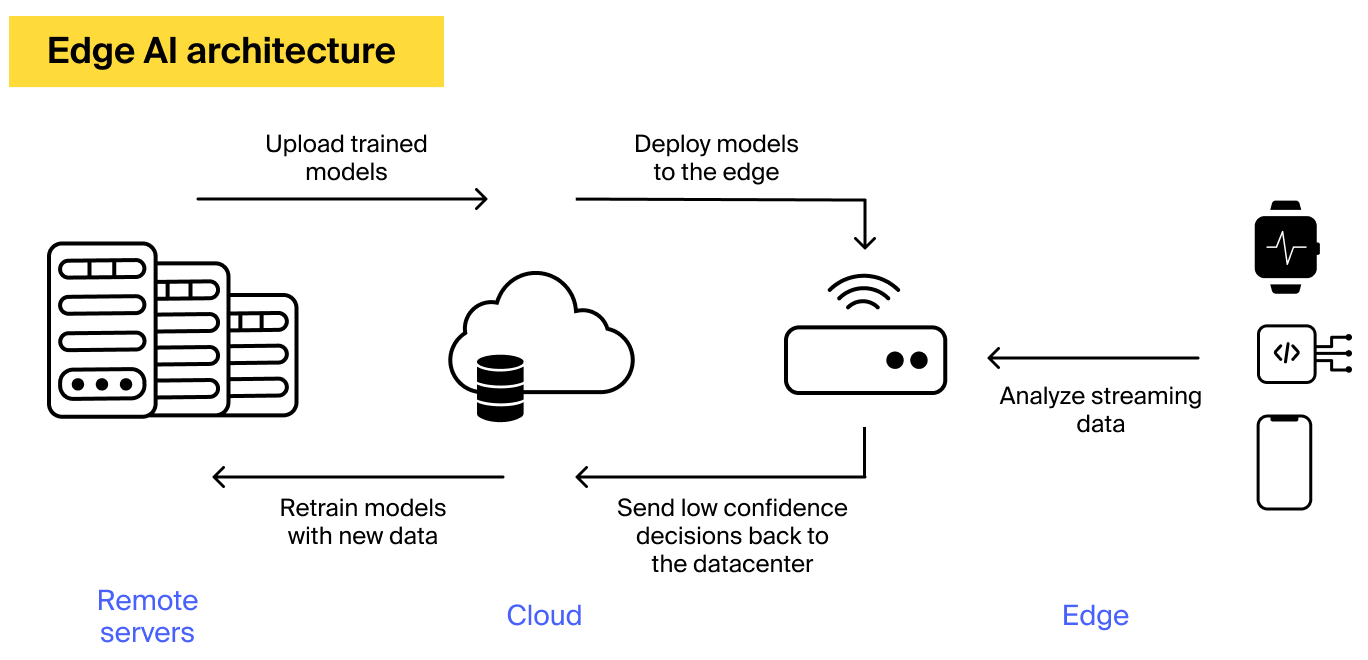

This is where projects succeed—or fail.
Co-design principles
AI and UI must be designed together, not bolted on.
RTOS task partitioning
- High-priority UI thread
- Medium-priority AI inference
- Low-priority logging and comms
Event-driven inference
Trigger AI when:
- User presses a button
- Sensor threshold crosses
- Timer expires
Do not run inference continuously unless required.
Latency matters
UI lag kills user trust faster than AI errors.
Connectivity, Power, and Security Considerations

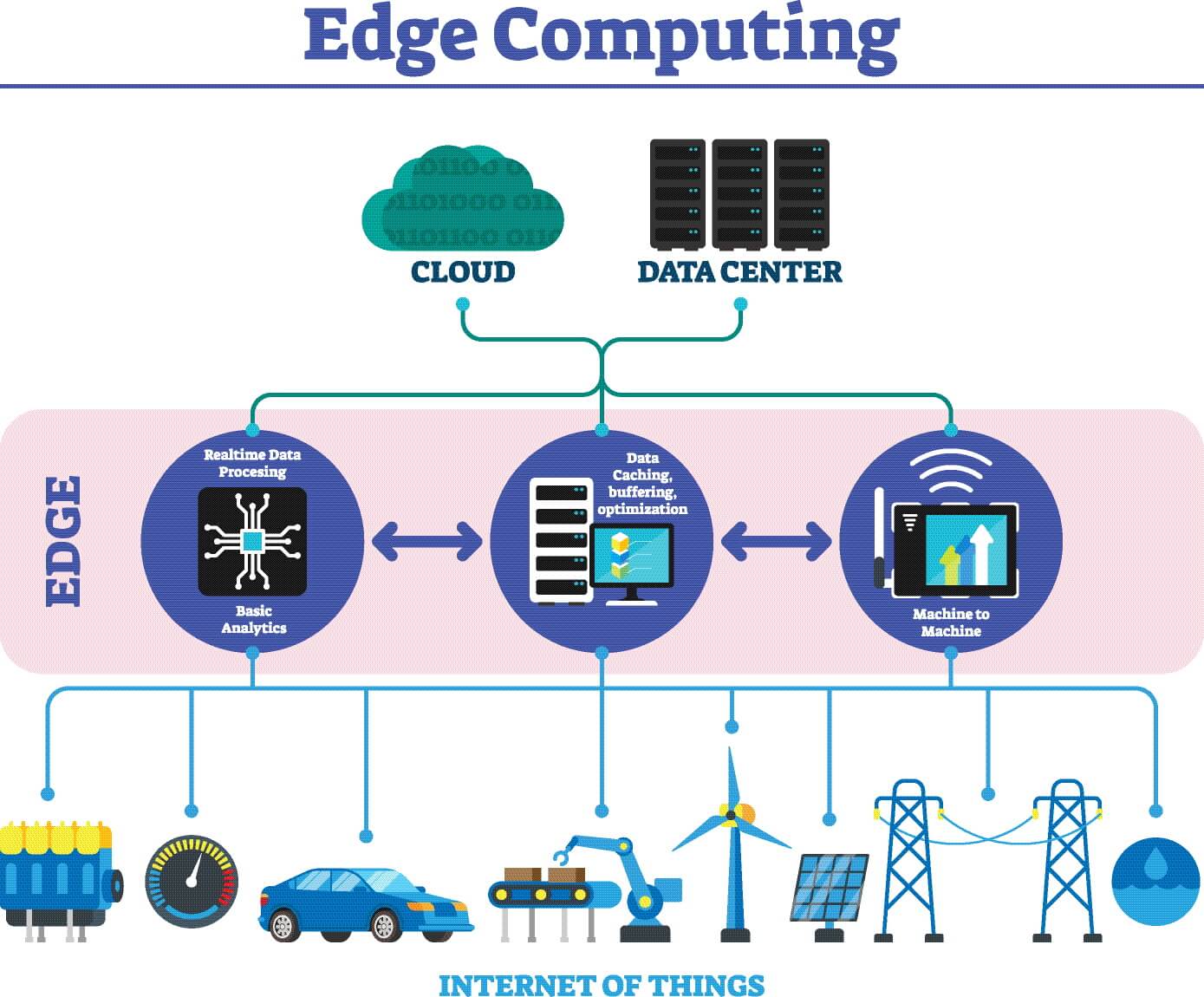

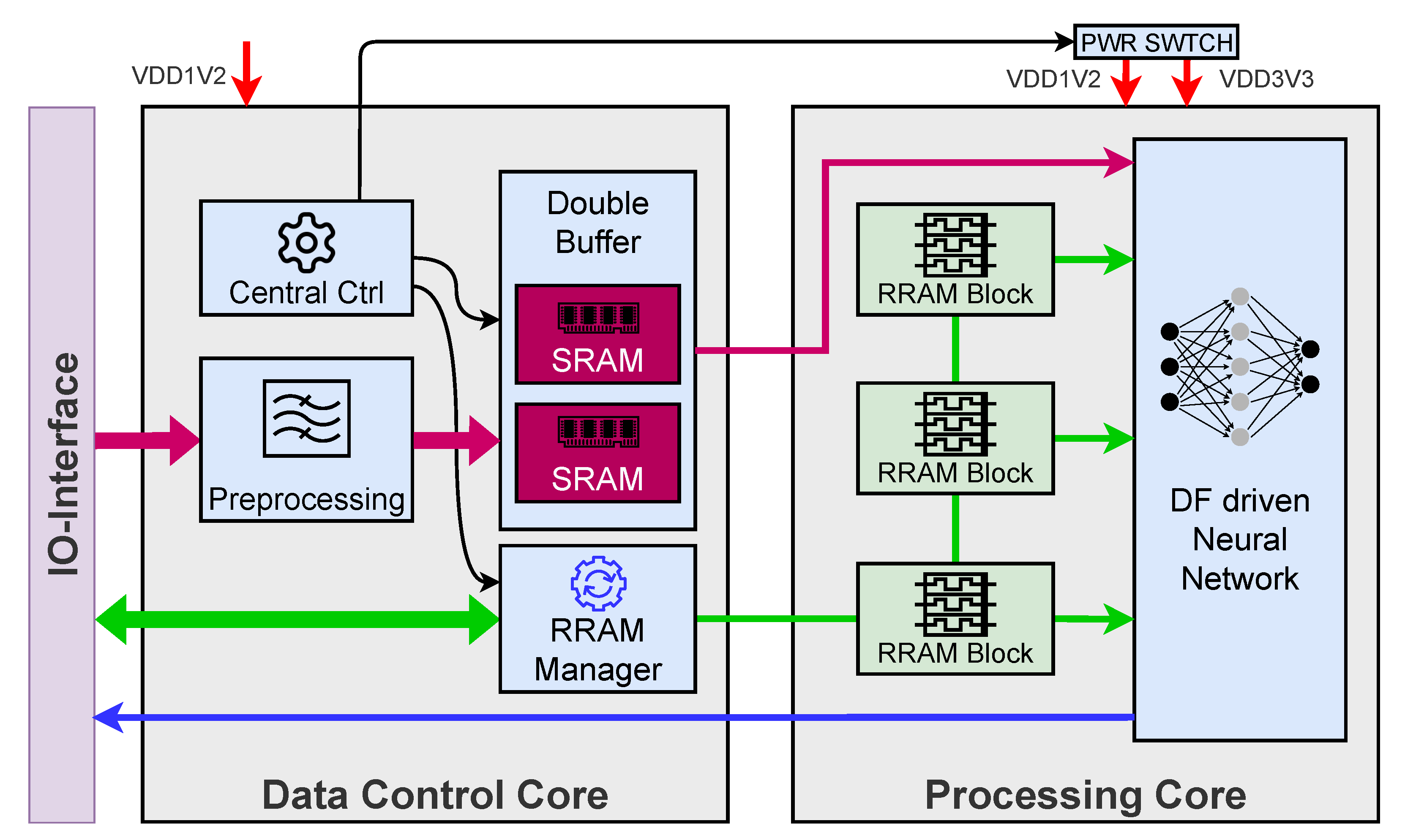
An intelligent device must also be connected, efficient, and secure.
Connectivity
RT1062 supports:
- Ethernet
- USB
- CAN
- SPI, I²C, UART
Enough for most edge nodes.
Power behavior
- AI spikes current
- Graphics increases average load
Use:
- Clock gating
- Idle sleep modes
- Event-based processing
Security essentials
- Secure boot
- Encrypted firmware
- Protected AI models
In industrial and medical devices, security is not optional.
When i.MX RT1062 Is the Right Choice
Choose RT1062 when you need:
- Fast boot
- Real-time control
- Local AI decisions
- Rich but efficient HMI
Avoid it when you need:
- Large CNNs
- Linux apps
- Camera pipelines
- GPU rendering
Final thought
The RT1062 is not about brute force.
It is about balance.
As the proverb says: “Measure twice, cut once.”
Design carefully, and this crossover MCU will deliver edge intelligence with confidence.
Key Takeaways (Quick Scan)
- RT1062 excels at Edge AI + HMI convergence
- Memory planning is critical
- INT8 AI is the sweet spot
- UI responsiveness must win over AI throughput
- Best for industrial, medical, and smart control panels
If you want, I can next:
- Add real benchmark numbers
- Compare RT1062 with RT1170 or Linux MPUs
- Provide a reference memory map
- Create a ready-to-use system architecture diagram
Just tell me.
